InfoSpace Team · InfoSpace
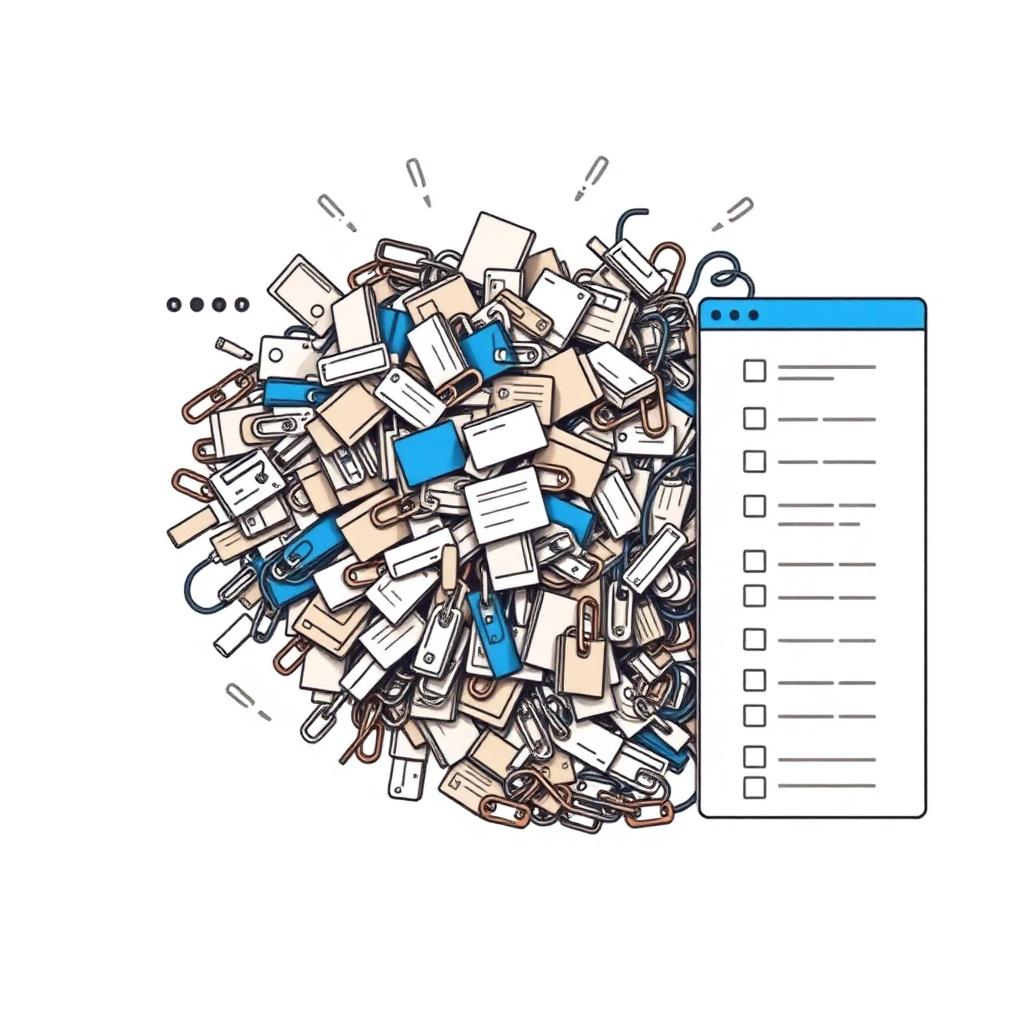
Your bookmarks aren't a knowledge base. They're a landfill.
Open your browser's bookmarks manager right now. Be honest: how many of those links have you opened in the last 90 days? For most people, the answer is somewhere between "two" and "I'd rather not check."
In 2026, with AI agents and personal search engines available to anyone, sticking to raw browser bookmarks is one of the most expensive small habits a knowledge worker can keep. Here are the ten worst offenders.
1. The "Read Later" folder that you never read
Bookmarking with the intent to read later is the productivity equivalent of buying a treadmill in January. The intent is good. The follow-through almost never happens.
Do this instead: Save only things you've already decided are worth keeping. Use a separate inbox for triage.
2. Nested folders 4 levels deep
Bookmarks > Work > 2024 > Research > AI > Maybe Useful. Nobody navigates that. Not even you.
Do this instead: Flatten. Use tags, not folders. Tags let one link belong to "AI", "research", and "Q3 planning" simultaneously.
3. Saving links with zero context
A bookmark titled "Notion – The all-in-one workspace" tells you nothing about why you saved it.
Do this instead: Auto-extract a description and a preview. InfoSpace's AI metadata extraction does this on paste — no manual notes required.
4. Letting links rot
Roughly 25% of URLs older than 5 years are broken. Your 2019 bookmarks bar is mostly graveyards by now.
Do this instead: Run periodic broken-link checks. A curated library should flag and surface dead links so you can replace them.
5. Syncing across browsers as your "backup"
Browser sync is not a backup. Switch browsers and you'll discover this the hard way.
Do this instead: Keep your reference library outside the browser entirely, in a tool with proper export.
6. One bookmark bar for everything
Personal links, work research, side-project sources, holiday shopping — all in one stripe across the top of your browser. The cognitive load is invisible but constant.
Do this instead: Group by context. With personal search engines, you can have one for "client work," one for "side project," and one for "things to read on weekends" — each searchable independently.
7. Trusting Google to remember for you
"I'll just google it again." In 2026, Google's AI Overviews mean you often don't even see the original source you found last time. Re-finding gets harder, not easier.
Do this instead: When something is good, save it. Your future self is searching your library, not the open web.
8. Bookmarking instead of summarizing
Saving 200 articles about a topic doesn't make you smarter. Saving 20 and tagging them with what you actually learned does.
Do this instead: When you save, tag with the insight ("contrarian take", "useful framework", "source for pitch deck"), not just the topic.
9. Treating bookmarks as private by default
If you've spent years curating great sources on a topic, that's a small public good. Hoarding it helps no one — including you, when a colleague asks "got any good links on X?"
Do this instead: Make at least one of your curated indexes public. InfoSpace lets you publish a search engine with a single toggle and share it as a link or embed it on a site.
10. Never searching what you saved
This is the big one. The whole point of saving is later retrieval — but browser bookmarks are functionally unsearchable beyond their title.
Do this instead: Use a tool that actually searches across the full enriched metadata of your saved links. That's literally what a personal search engine is for.
The 2026 upgrade path
If you only change one habit this year, change this: stop treating your bookmarks bar as your knowledge base. It was never designed for that.
A simple migration takes under an hour:
The first time you search "that React performance article from March" and the right link appears in one second — you'll wonder why you waited.
Ready to upgrade? Start free or see what curated search engines look like.